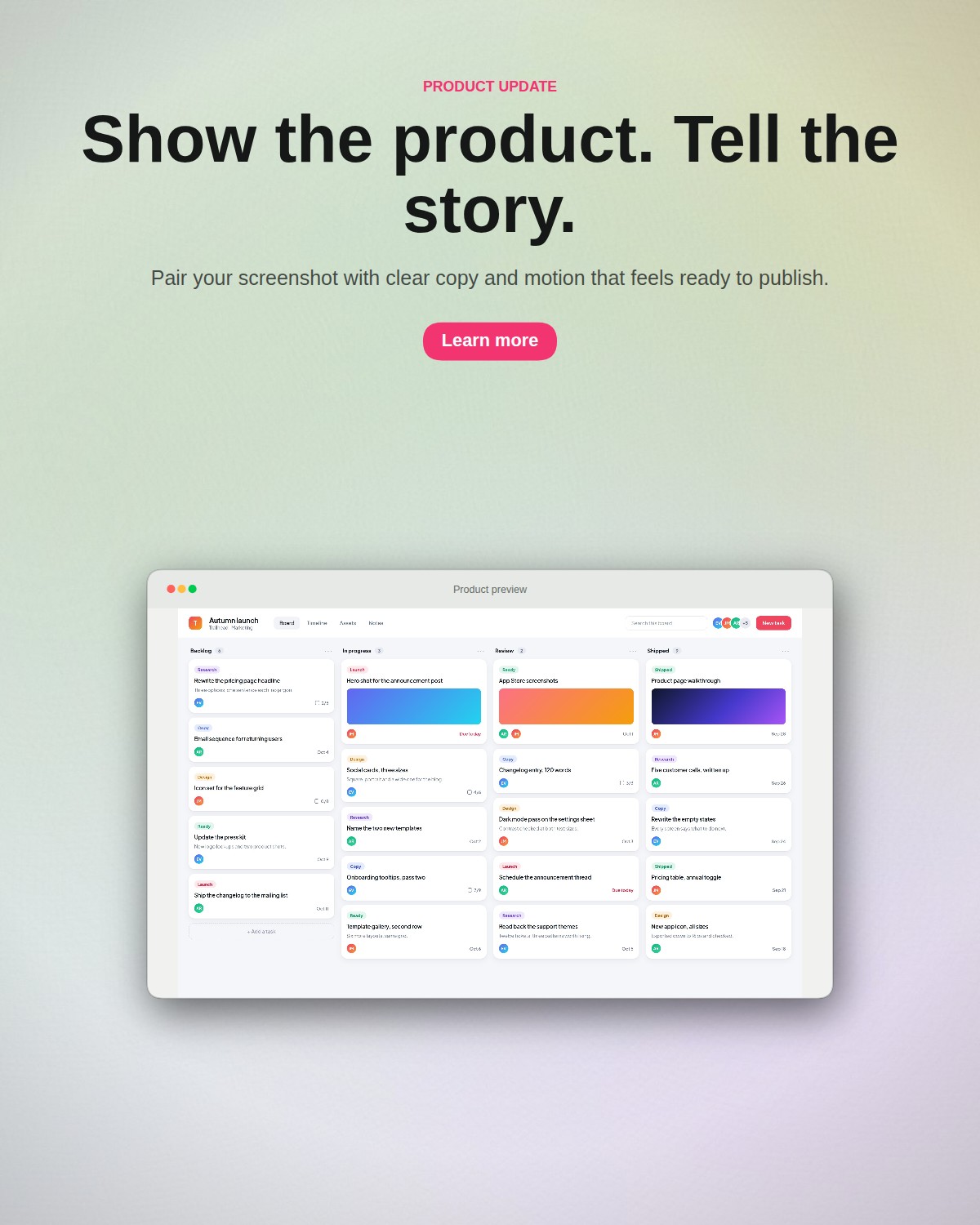
Make your product screenshot the center of your launch. Product Shot helps you frame a dashboard, explain a new workflow and pair it with a clear headline. Build still images and short clips for your landing page, launch announcement, changelog or presentation in one browser editor.
An editor-made launch graphic: headline, supporting copy and a product screenshot.How it works
Build a visual around one clear message
01
Pick the useful screen
Capture the feature your announcement is about. Upload it and choose a browser window, laptop or desktop frame. For a before-and-after comparison, use Dual and add the second screenshot to its own card.
02
Write the takeaway
Add a short headline and supporting sentence. Use a scene layout to place copy beside or above the mockup. Match the background to your interface and leave enough space for the screenshot to remain readable.
03
Prepare each destination
Set the artboard for your website, social post or slide. Export a free clean 1× PNG, then adapt the composition for another size. Add motion when a short GIF or MP4 helps the announcement.
A starting point you can make your own
Templates include a coordinated mockup, background and copy layout with demo screens you can replace. Keep the structure, add your actual interface, and edit every control as usual. Save the composition to reuse its styling when the next feature ships.
Take editable elements into your design tool
Pro’s SVG export can carry editable text, vector backgrounds and supported frame shapes into tools such as Figma. Screenshots remain embedded images; photographed hardware and raster effects also stay raster. Use it when you need to continue arranging the visual, rather than expecting your interface screenshot to become vector UI.
Good to know
A few practical questions.
Can I make comparison images without animation?
Yes. Choose Dual or Triple, add the relevant screenshots and use a frontal view so differences are easy to read. Keep the background quiet and export PNG. Motion is optional; a still comparison can carry the whole message.
Which exports are free?
A clean 1× PNG and a GIF with the Product Shot watermark are free. Pro adds clean GIF, MP4, SVG, PNG above 1× and batch export. You can compose and preview before choosing a paid format.
Does Product Shot publish the launch for me?
Product Shot creates the visual files. Download the result, review the screenshot and copy, then publish it through your website or chosen channel. The editor does not post to your social accounts or promise a particular launch result.