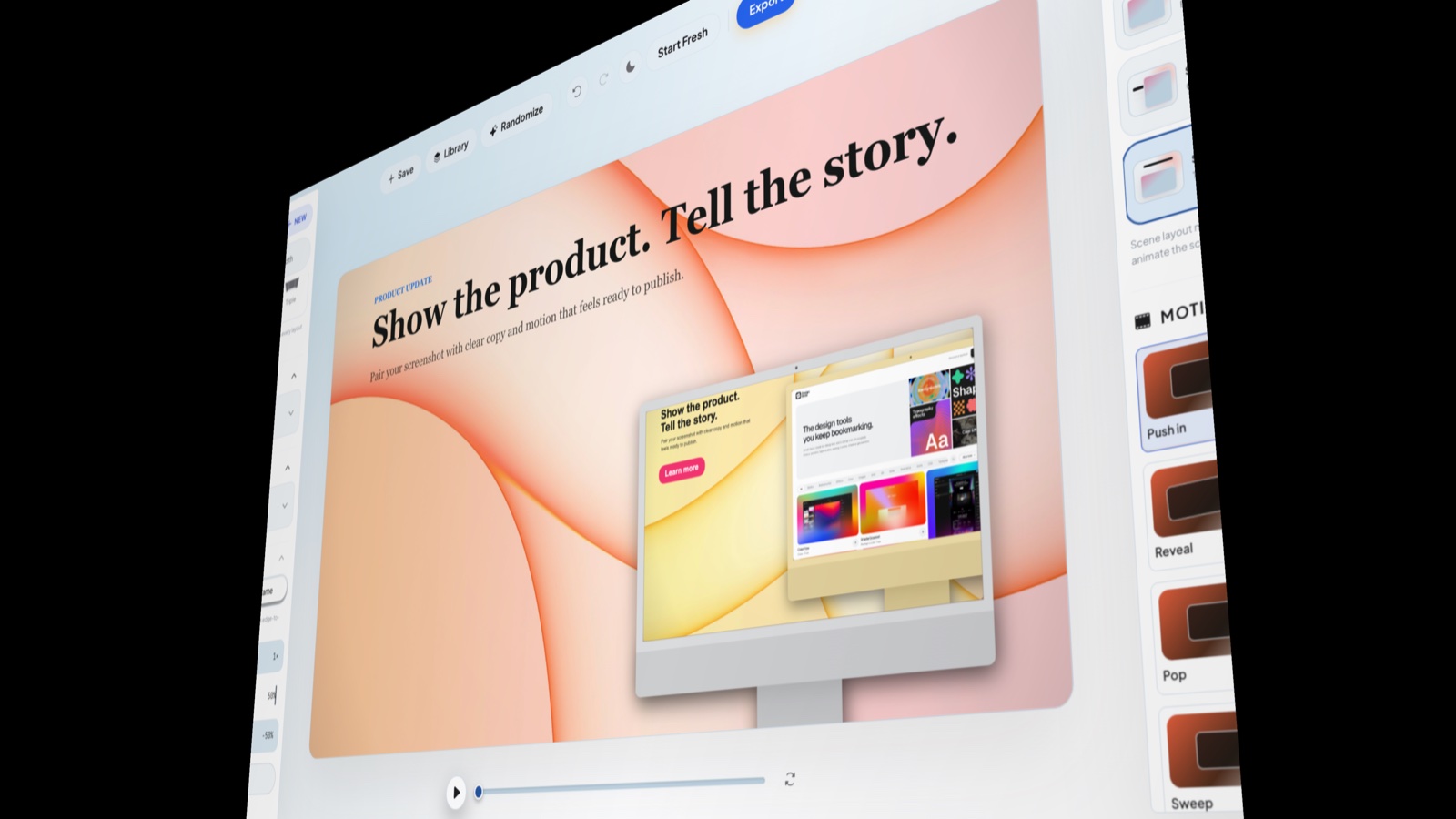
Create an animated mockup from a screenshot in your browser. Place your product inside a phone, laptop or browser frame, choose a motion preset, and turn a still interface into a short visual for your next launch or product update.
Inside the editor: a launch composition with motion presets. Still preview shown.How it works
From screenshot to moving mockup
01
Set the scene
Upload your screenshot and choose a frame in Mockup Library. Pick an artboard for the place you will publish, then set the background and crop so the useful part of your interface stays readable.
02
Choose the movement
Try Push in, Float or Orbit and play the preview. Single, Dual and Triple arrangements let you show one feature or several screens. Each card can use its own motion preset.
03
Export your clip
Adjust timing, add a headline if needed, and preview the whole sequence. Download a watermarked GIF for free, or use Pro for a clean GIF or MP4. PNG stays available for the matching still.
Keep the product in focus
Movement works best when viewers can still read the screen. Start with a gentle preset, use a quiet background, and give your headline room beside the mockup. Scene layouts can place copy left, right, above or below the visual without replacing what you wrote.
Make a still and a clip from one composition
Use the same mockup, background and copy for a launch image and its animated companion. PNG, GIF and MP4 share the scene and motion model, so you can keep the visual direction consistent while choosing a format for each destination.
Good to know
A few practical questions.
Can I make an animated mockup for free?
Yes. Compose and preview for free, then export a GIF carrying the Product Shot watermark. A 1× PNG is free without a watermark. Pro unlocks clean GIF, MP4, SVG, larger PNG exports and batch export.
Does MP4 export work in every browser?
MP4 needs a browser with compatible WebCodecs support. The editor checks availability before export. Choose 30, 60 or 120 FPS; 60 FPS is the default. Higher frame rates take more work for your device to encode.
Does this animate the interface inside my screenshot?
The presets move the mockup and composition; they do not turn a still screenshot into a working app or invent interactions inside it. Upload the screen you want to show, then use motion to direct attention to it.