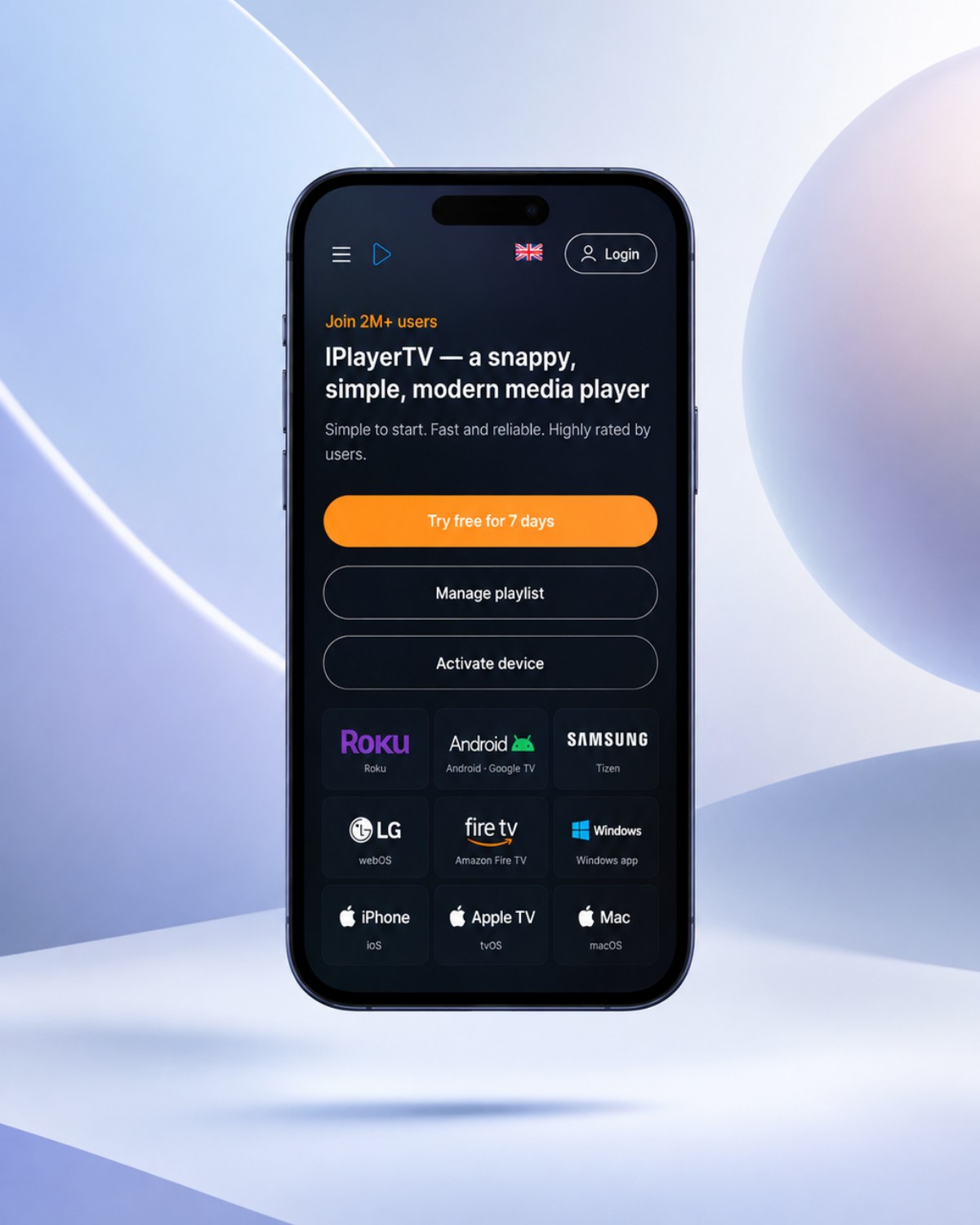
Turn a mobile screenshot into an iPhone mockup for a feature announcement, landing page or presentation. Product Shot combines real device frames with your screen, a background and optional copy. Start with one screen, then build a composition around the part worth showing.
An iPhone composition made in Product Shot. Replace the screen with your own.How it works
Put your screenshot in an iPhone
01
Choose your device
Open Mockup Library and choose Phone. Select iPhone 17, iPhone Air, iPhone 17 Pro or iPhone 17 Pro Max, then choose a finish. The frame uses that model’s screen proportions.
02
Add your screen
Upload a screenshot. Use Auto fit to retain the image, or Fill frame and Position image to choose the crop. Check the header, navigation and main feature before adding more visual detail.
03
Style and download
Choose a solid color, gradient or wallpaper. Add a headline, adjust the camera and export a clean 1× PNG for free. Keep the composition editable when you want to replace the screenshot later.
A finish that fits the screen
Choose from the finishes available for each model, including the iPhone 17’s Black, Lavender, Mist Blue, Sage and White, or the Pro’s Cosmic Orange, Deep Blue and Silver. A neutral frame lets a colorful interface lead; a matching finish can tie the composition together.
Show one feature or a small sequence
Single, Dual and Triple arrangements keep up to three screens in one visual. Use a single iPhone for a focused announcement, or several cards to show related screens. Start with one uploaded image; missing slots repeat it until you replace them with another screen.
Good to know
A few practical questions.
Do I need a screenshot from the exact iPhone model?
No. You can use your own mobile screenshot and choose its fit or crop inside the selected device. A screenshot with a similar aspect ratio needs less adjustment. Preview the result to make sure important content stays inside the visible screen.
Can I export an iPhone mockup with motion?
Yes. Apply a motion preset to the same device composition. Watermarked GIF is free; Pro provides clean GIF and MP4. The device model, finish and screenshot stay part of the composition when you switch export formats.
Are my uploaded screenshots sent to a server?
Image editing and rendering run in your browser, and a working copy is stored locally. For signed-in subscribers, saved compositions and screenshots can also sync automatically to private cloud storage. You can edit and use free exports without an account.